

What's new: Introducing Paywall Screens Builder Kit in Figma + 50 Free Templates
We’ve got some exciting updates to share with you this month - just in time for the summer heat. Let’s dive in!

Paywall Screens Builder Kit (Beta)
Introducing the Paywall Screens Builder Kit - a powerful new way to design custom paywalls in Figma and bring them directly into Apphud.
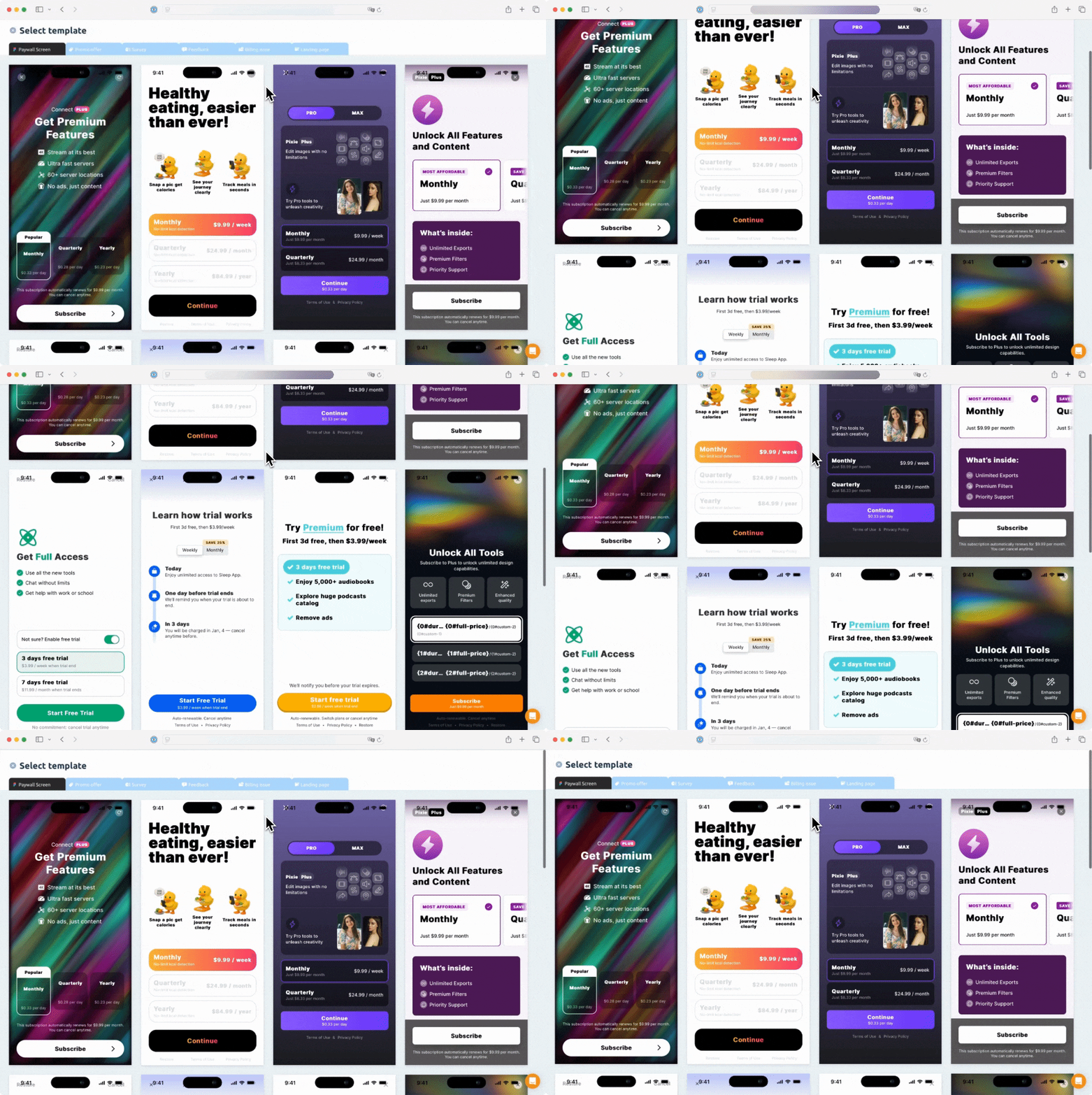 Apphud Paywall Builder
To join the beta, reach out to us via in-app chat or email.
How does it work?
1. Design your paywall in Figma
Create your paywall like any other Figma design - from scratch or by using our sample project with 50 ready-made layouts.
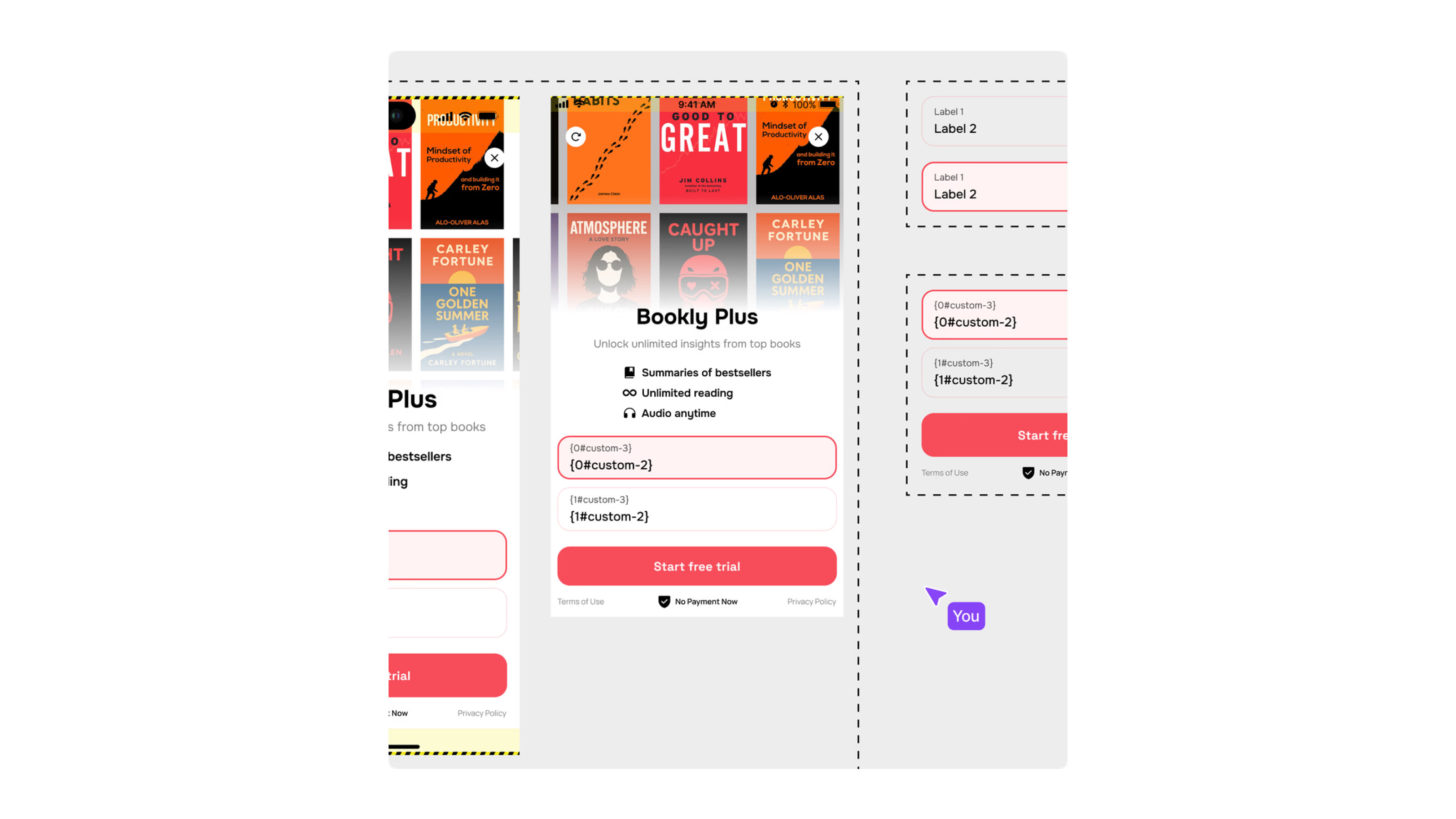 Paywall layouts at Apphud
2. Publish a paywall in a single click and get the paywall URL
Use Figma Sites to instantly convert your design into a live, shareable paywall screen. Just click "Publish" - and it's ready to go!*
*Figma Sites requires a paid Figma seat.
3. Import your paywall in Apphud
Paste your Figma Sites URL into Apphud, link your in-app products, and define macro values like price and duration - all in just a few clicks.
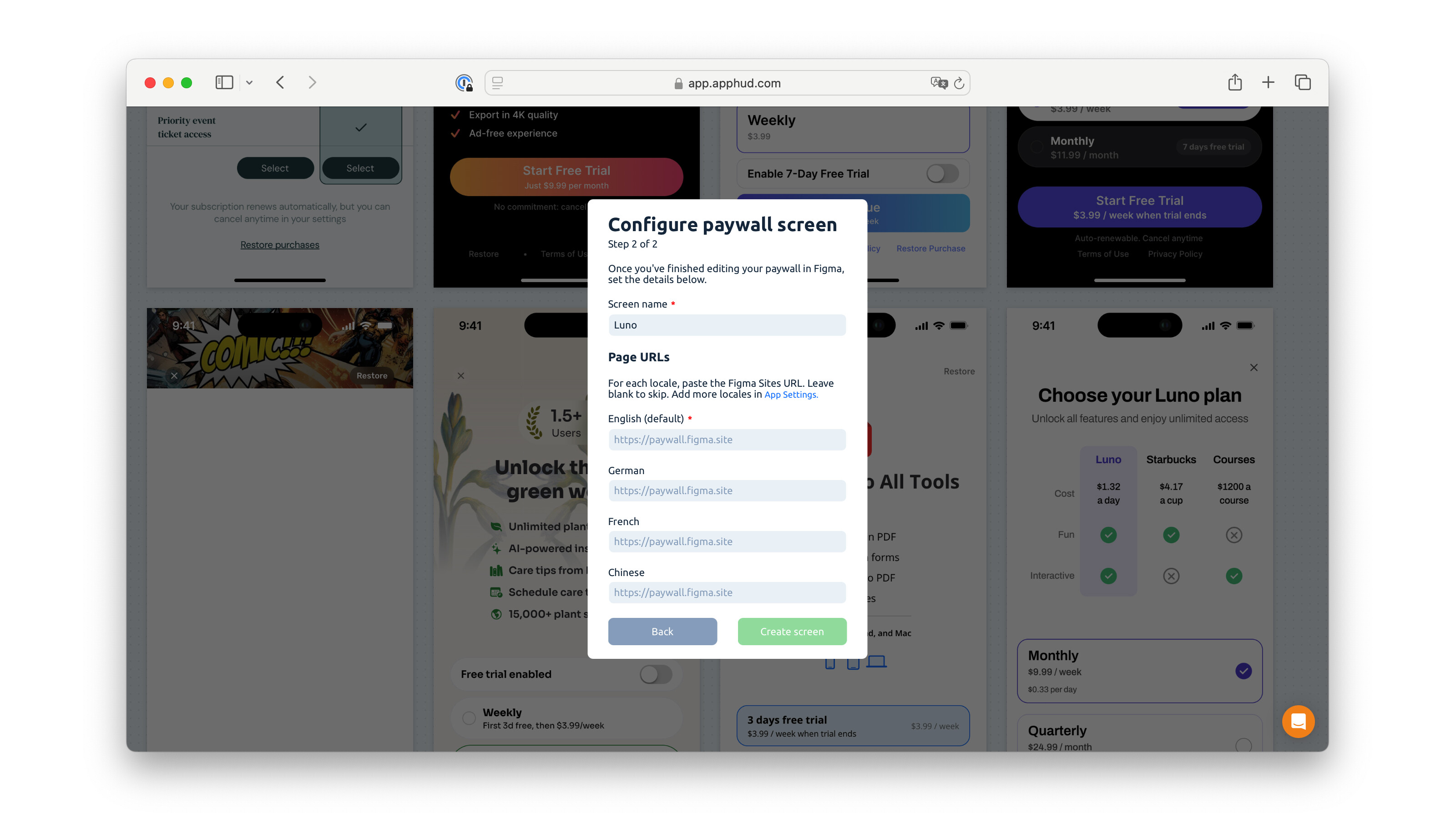 Paywall screen configuration at Apphud
4. Manage your paywall in Apphud
Control linked products, run A/B tests, and monitor performance - all from the Apphud dashboard you're already familiar with.
To see this in action, follow this link.
50 Free Paywall Templates for Figma
To kick off our Paywall Builder release, we’ve put together a set of 50 free paywall templates designed specifically for Figma.
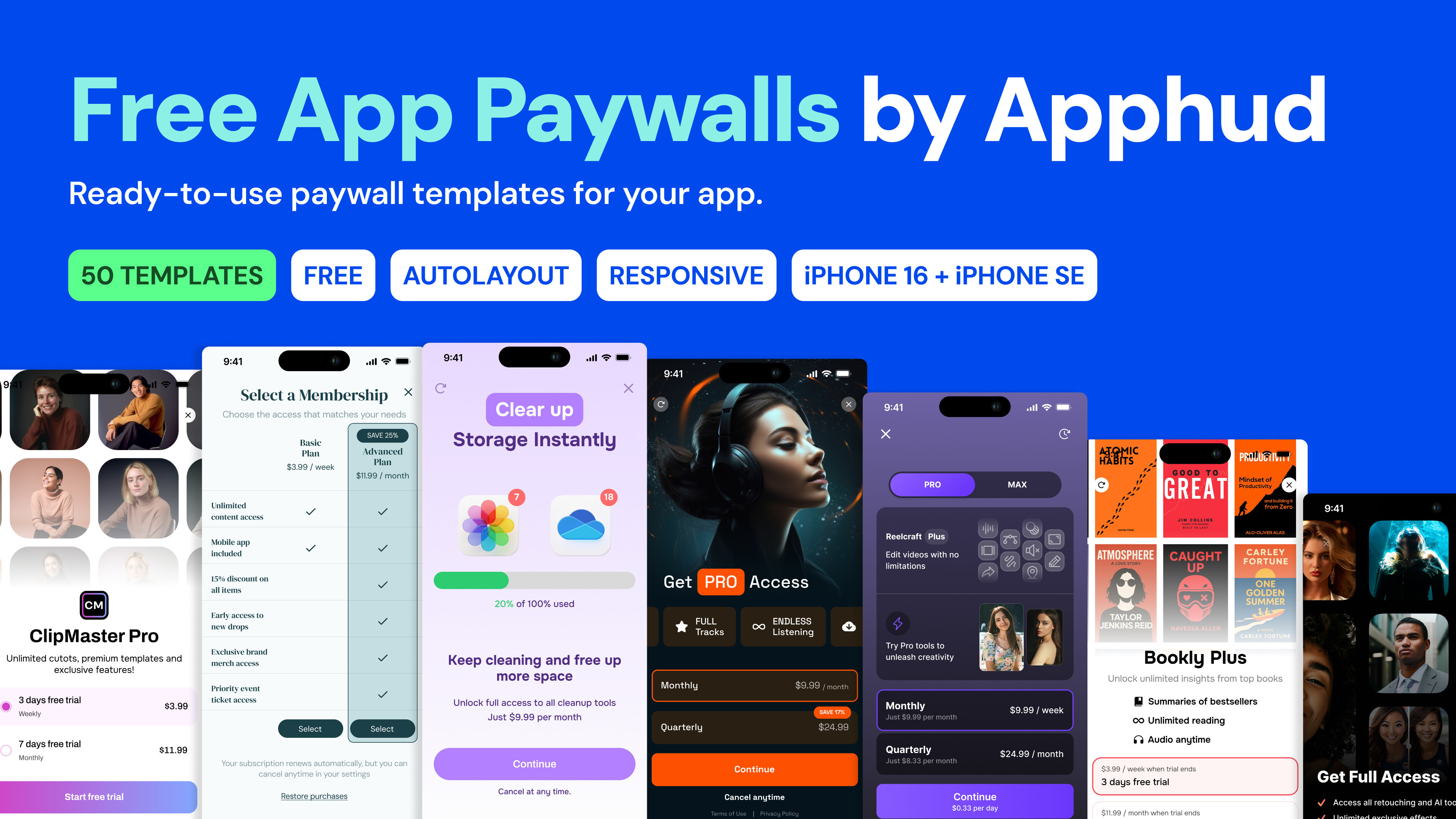 Free Paywall Templates from Apphud
They’re responsive, built with Auto Layout, and fully editable thanks to a clean component structure. Whether you're designing for web or mobile, these templates are animation-friendly and ready to go.
Other Improvements
- Flexible Refund Settings for Win Back Requests
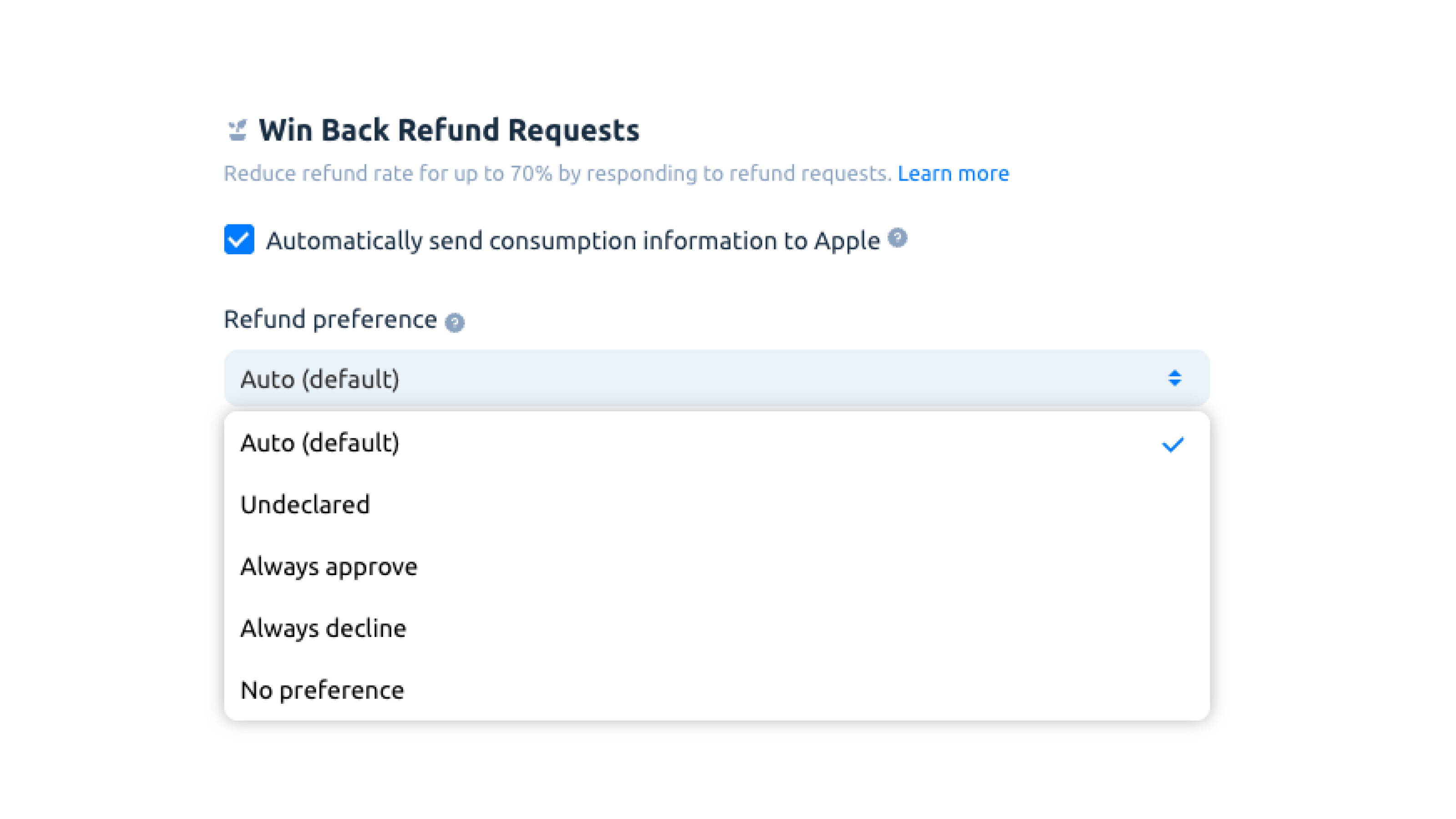 Refund preference for Win Back Refund Requests
You can now manually set your refund preference when using our Win Back Refund Requests feature. Change from the default Auto mode to a preferred setting.
Stay tuned, more updates are coming soon!


Related Posts

Use Case: Understanding Overall Proceeds and Solving Paywall Cannibalization in A/B Testing


Paywall A/B Test Ideas for Subscription Apps


Best-performing Paywall Examples for Subscription Apps